
Cash Control from Payment Screenshots: Totals, Methods, and Duplicates
Turn phone screenshots of transfers into a cash summary: total received, totals by payment method, warnings, and possible duplicates — then export to Excel.
2026-08-22 · 6 min read
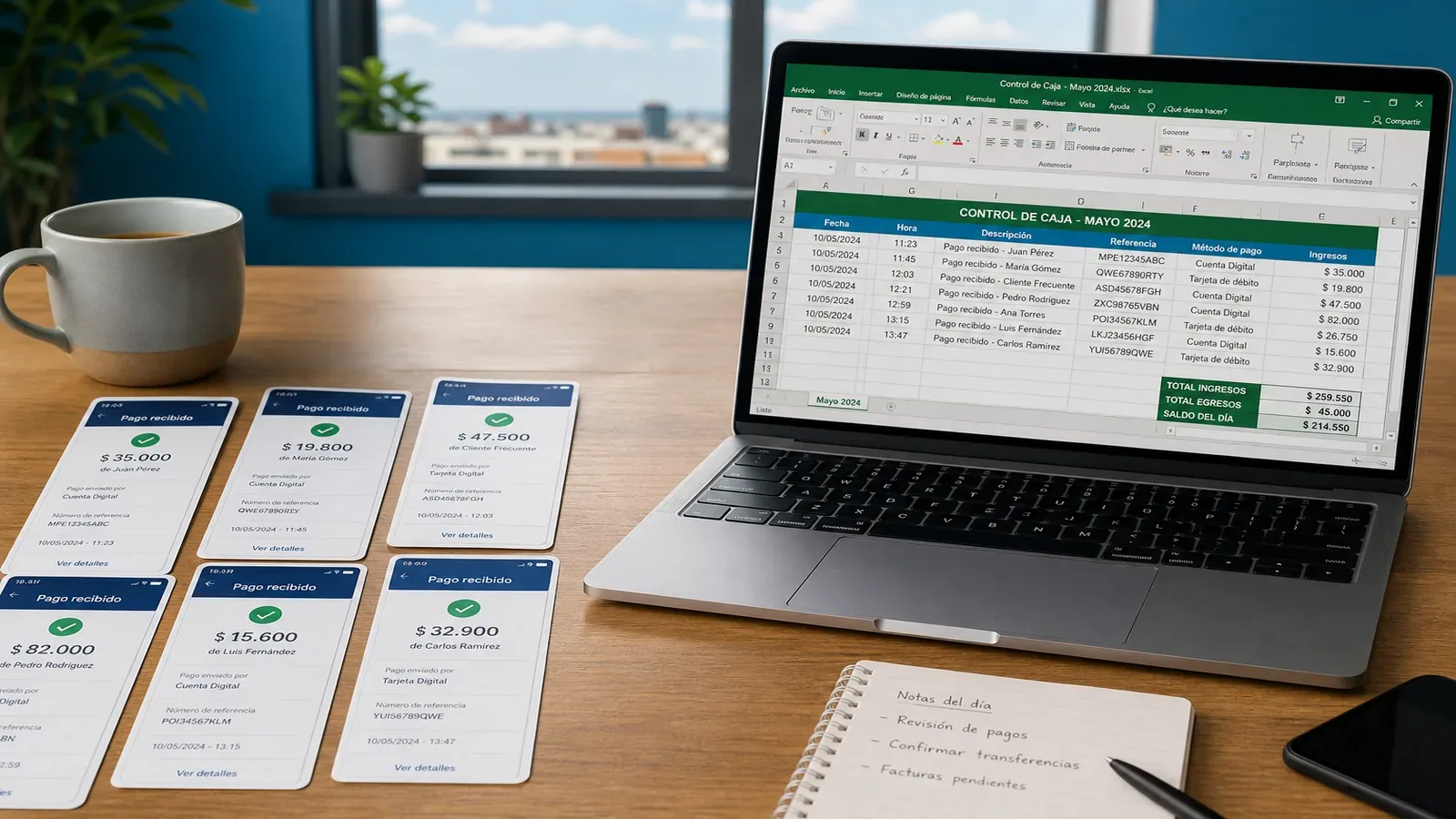
Cash closeouts fail in the middle of the day
The messy part is rarely “we don’t have Excel.” It’s that receipts live on phones while the close lives in a workbook. Totals by method, open reviews, and double-counted references get lost between galleries and tabs.
What a good cash summary must show
Before the export, the desk needs a summary that answers “did today close cleanly?” without opening every screenshot again.
- Total received and payment count
- Totals by payment method (dynamic — not hard-coded labels in the UI)
- Warnings, reviews, errors, and possible duplicates
- A path back to the original screenshot for each row
Duplicates need more than the same amount
Two 50,000 payments are not duplicates by themselves. Same amount plus the same reference — with overlapping date/method/sender signals — deserves REVIEW. That rule keeps false alarms down while catching real double uploads.
Export is the product moment
Extraction is necessary. The win is downloading the Excel your business already runs — with Resumen and Revisar sheets when the template calls for them.
Close cash from screenshots
View sample extracted rows by payment method, then upload your batch with 2 free credits.